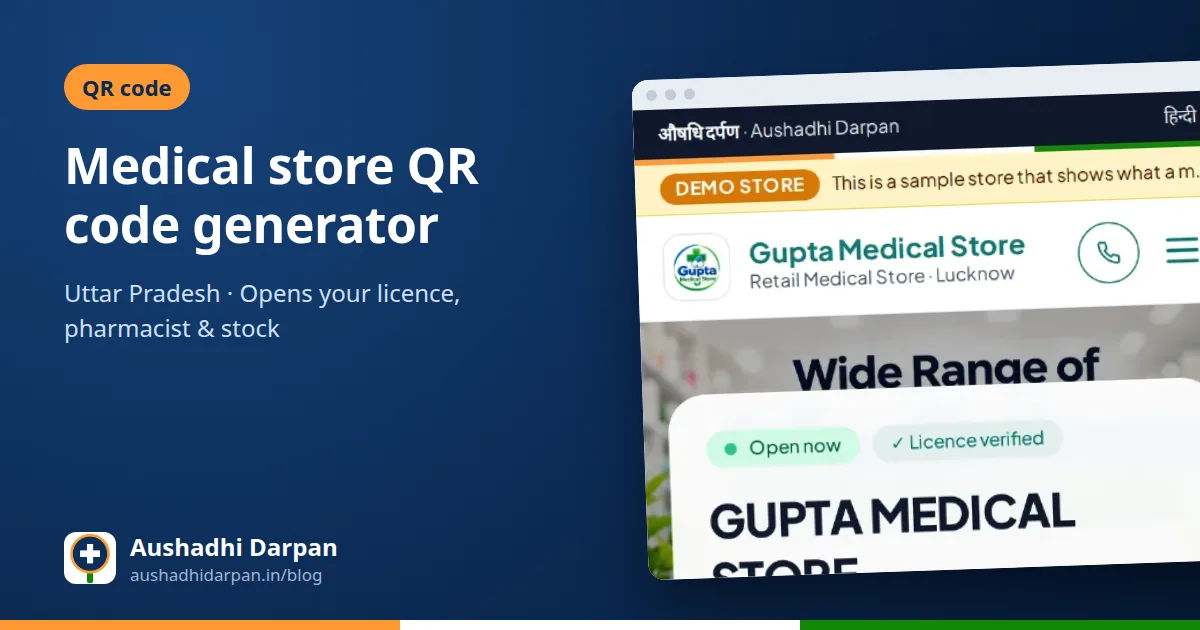
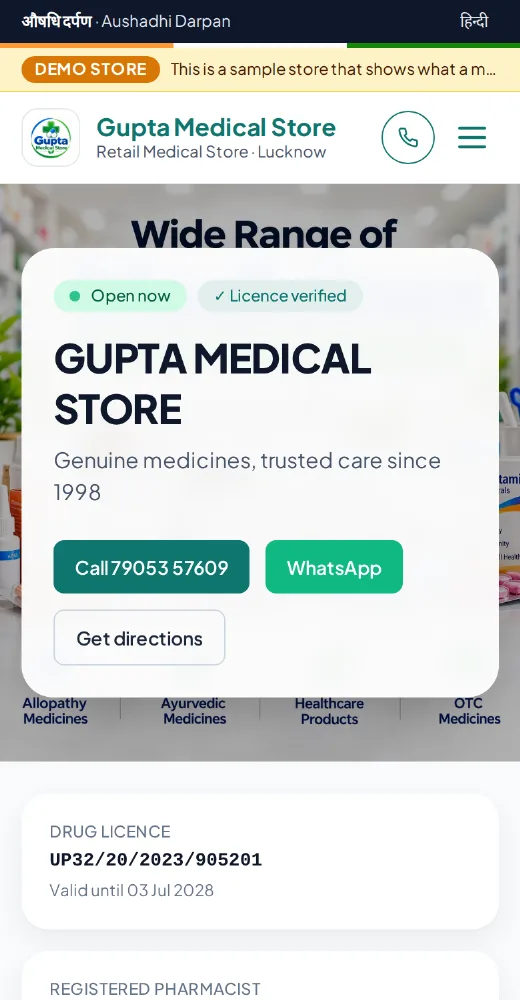
Under the Uttar Pradesh FSDA order, a medical store's website address must be displayed at the counter and customers should be able to open it easily. A medical store QR code does that: the customer points the phone camera at it and sees your licence, pharmacist, timings and weekly stock. This guide shows how to generate one for your pharmacy, print it and display it well.
A pharmacy QR code is not just any QR code
A free online QR generator only turns a link into a picture. For a pharmacy QR code to be useful under the FSDA order, the page it opens matters more than the code:
| A good medical store QR code opens… | A plain QR generator gives you… |
|---|---|
Your own website, yourstore.aushadhidarpan.in |
A link you still have to build a page for |
| Drug licence numbers and licence holder | Nothing about your licence |
| Registered pharmacist with photo | — |
| Stock and prices with the weekly update date | — |
| Always the latest details, without reprinting | A fixed link, often through a short link that can expire |
On Aushadhi Darpan the QR code is generated for you when you publish your store, and it always opens your own website.
How to get your QR code for the medical shop
- Register your medical store and publish it (about 10 minutes).
- Log in and open FSDA Compliance → QR Poster.
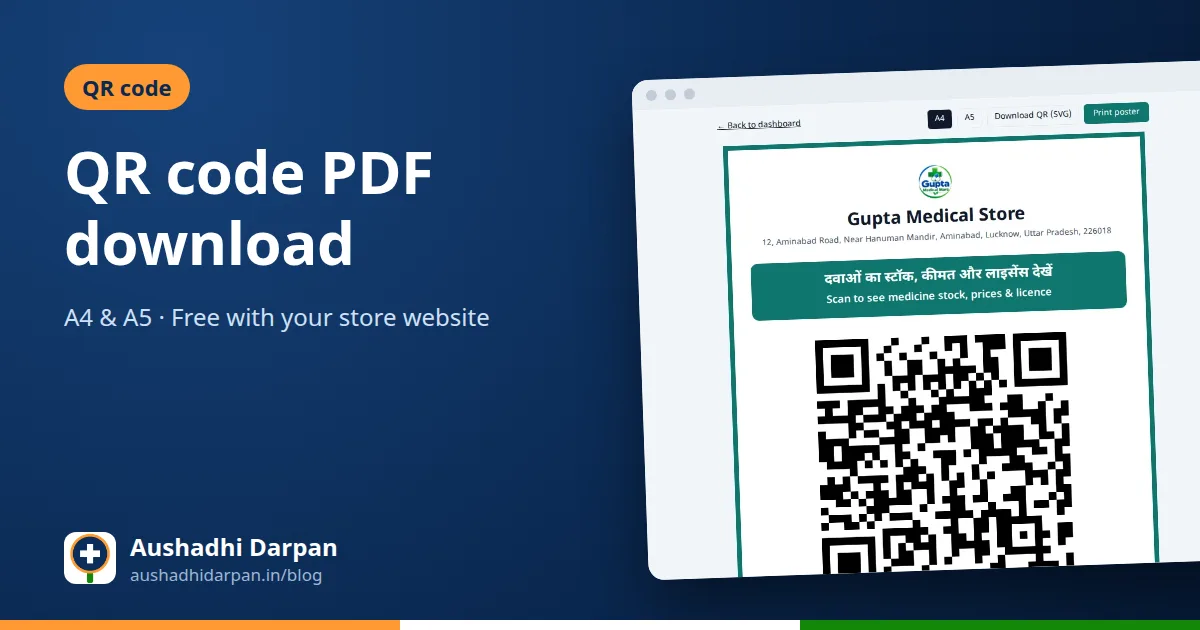
- Choose A4 or A5 and press Print poster, or save it as PDF; see QR code PDF download.
- Need only the code for a board, bill or visiting card? Press Download QR (SVG).
The poster carries your logo, store name, address, a Hindi and English line ("Scan to see medicine stock, prices & licence") and your website address in words.
Where to put it
- At the billing counter, at eye level, where the customer waits.
- A second copy on the door or shutter, so people can check before they come in.
- Away from direct light and glass glare; laminate it so it stays clean.
- Print it big enough: A5 is the smallest we recommend for a counter.
Check that it works
Scan it with two or three different phones (Android and iPhone, with the normal camera app). It should open your website within a second or two, without asking to install anything.
Frequently asked questions
How do I generate a QR code for my medical store? Register your store on Aushadhi Darpan and publish it. The QR code is generated for your website automatically; download it from FSDA Compliance → QR Poster in A4 or A5.
Can I make a medical store QR code with a free online generator? You can, but many free generators route the scan through their own short link, which can stop working or show ads, and you still need a website with your licence, pharmacist and weekly stock. Use a QR code that opens your store website directly.
Do I need a new QR code when my stock changes? No. The QR code always opens the same website address; the website shows the latest stock. You need a new poster only if you change your website address or store name.
Is the QR code alone enough for the FSDA order? The order asks for the website address to be displayed at the counter. Keep the address printed next to the code, as the poster does. See what the FSDA order asks a store website to show.