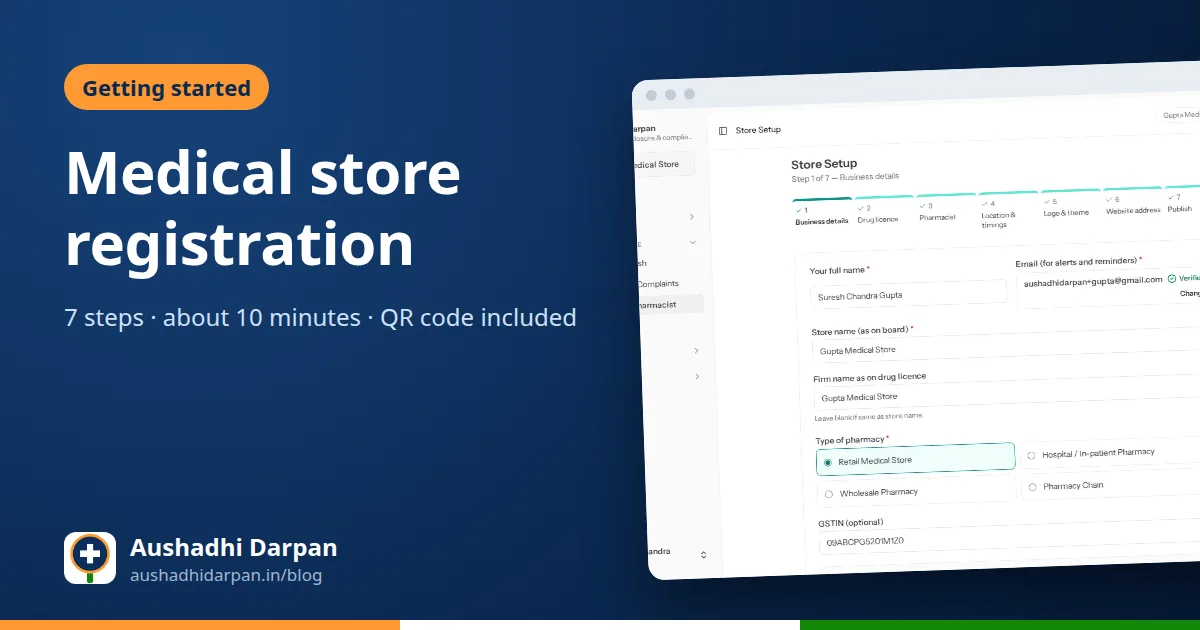
Registering your medical store on Aushadhi Darpan gives it a digital profile: its own website with your drug licence, registered pharmacist and weekly stock, and a QR code for the counter. It takes about 10 minutes if you keep a few things ready. Here is every step.
This is registration on Aushadhi Darpan, a software service for medical stores. It is not a drug licence application; your drug licence still comes from FSDA.
Keep these ready
| What | Why |
|---|---|
| Your e-mail and mobile number | Login and one-time codes (OTP) |
| Drug licence numbers and a clear photo or PDF | Shown on your website (Form 20/21) |
| Pharmacist name, registration number, certificate and photo | The photo is required by the FSDA order |
| Full shop address with PIN and opening hours | For your website and the map |
| Stock list from Marg or your billing software (Excel/CSV) | For the weekly stock page |
| Shop logo (optional) | For your website and QR poster |
The 7 setup steps
- Log in at aushadhidarpan.in/login with your e-mail and the code we send.
- Business details: store and firm name, type of store, owner name, mobile and e-mail.
- Drug licence: licence numbers, validity and a copy. Add more than one if you have them.
- Pharmacist: name, registration number, certificate and photo. Add every pharmacist if you have shifts.
- Location & timings: address, PIN code and opening hours.
- Logo & theme: your logo and colour, or keep the default.
- Website address: choose
yourstore.aushadhidarpan.in, then Publish.
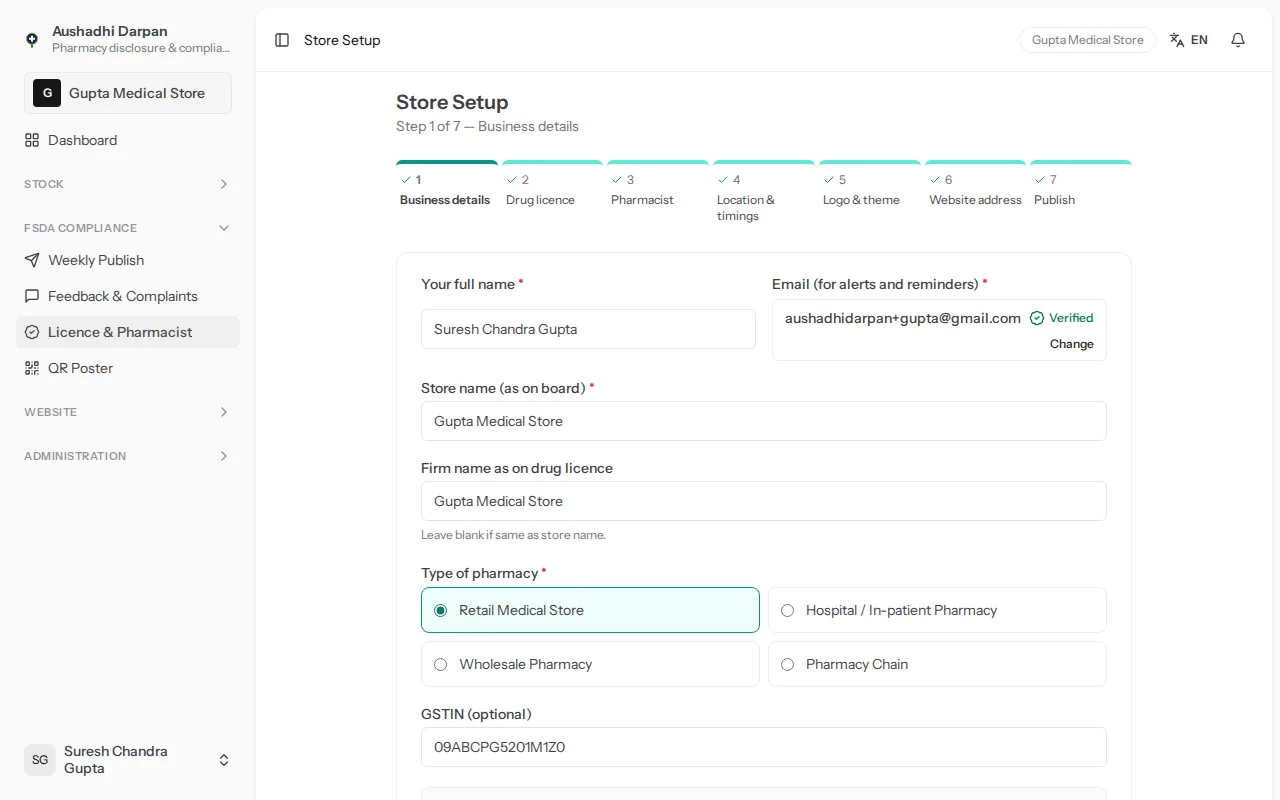
Everything you type is saved as you go, so you can stop and continue later from the same step.
After you publish
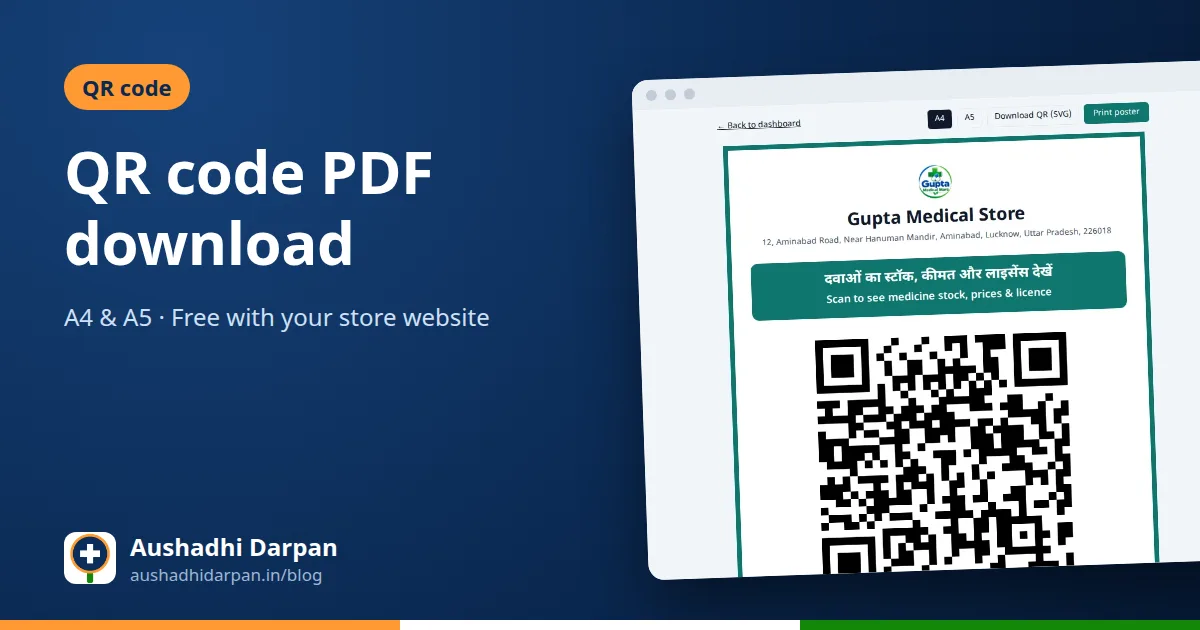
- Print your QR code: FSDA Compliance → QR Poster, A4 or A5. See QR code PDF download.
- Upload your stock: Stock → Import Stock, then Weekly Publish. From Marg, see Marg stock upload.
- Check your website on your phone and share the link on WhatsApp with your regular customers.
The store owner's guide has a picture of every screen, from login to payment.
Frequently asked questions
How do I register my medical store on Aushadhi Darpan? Log in with your e-mail and OTP at aushadhidarpan.in/login, fill the 7 setup steps (business, licence, pharmacist, location, logo, website address) and press Publish. It takes about 10 minutes.
How do I get the Darpan QR code after registration? After you publish, open FSDA Compliance → QR Poster, choose A4 or A5 and print it or save it as PDF.
Is this the same as a drug licence registration? No. Aushadhi Darpan registration creates your store's website and digital profile. Your drug licence is issued by FSDA.
Can I register more than one store? Yes. Each store gets its own website, QR code and stock. Chains can manage them from one login with the extra stores add-on.