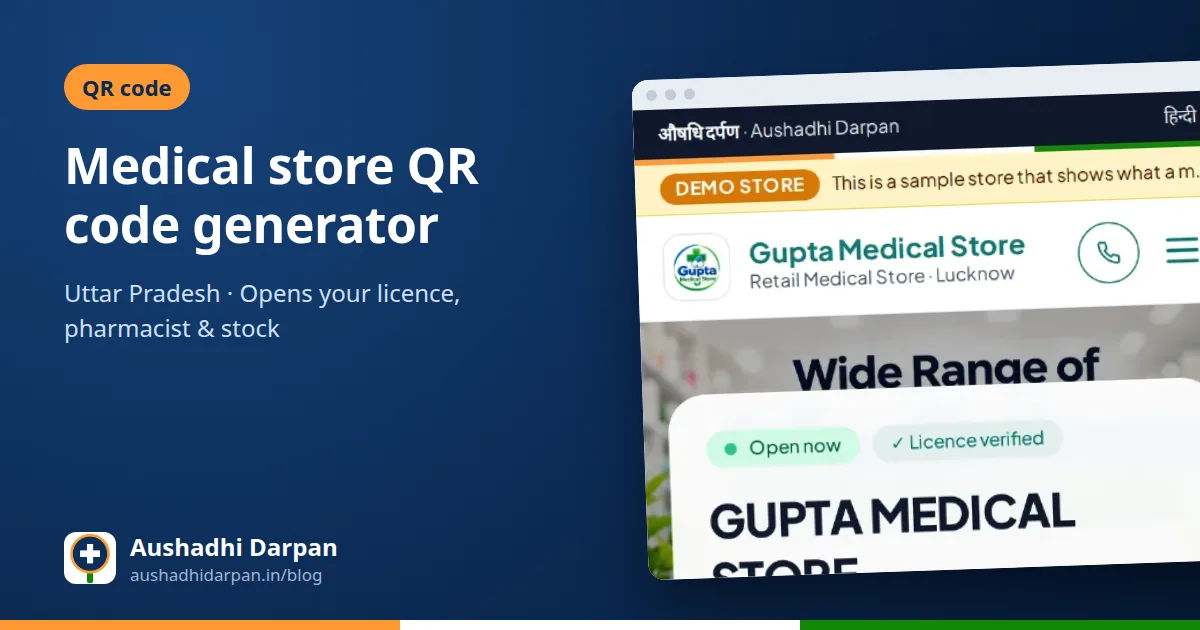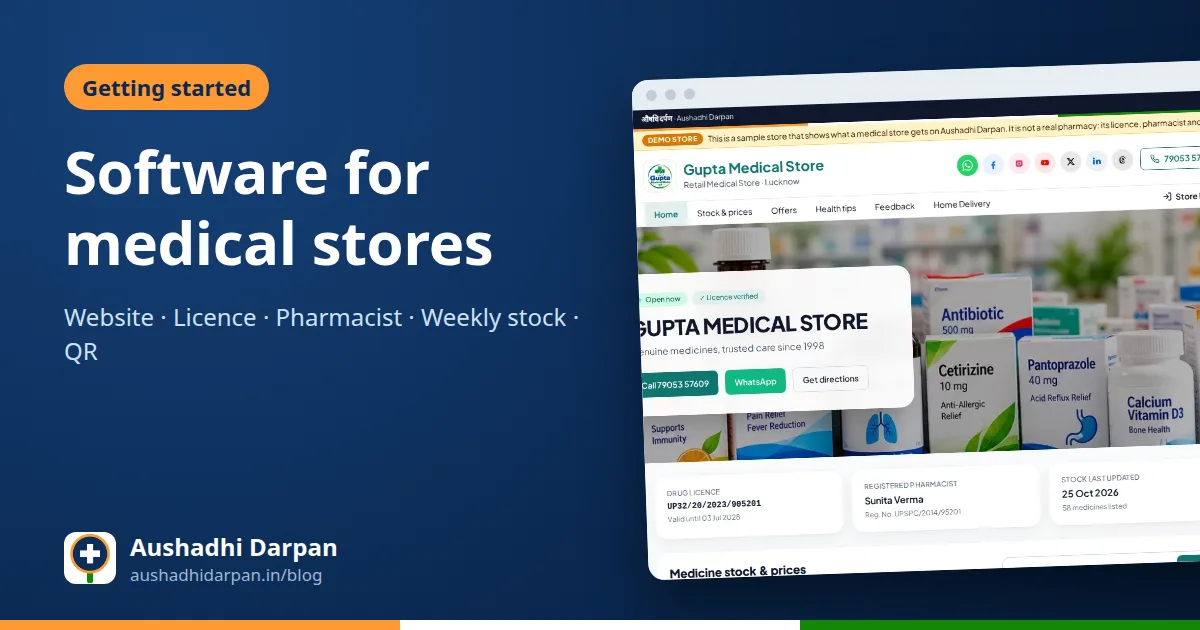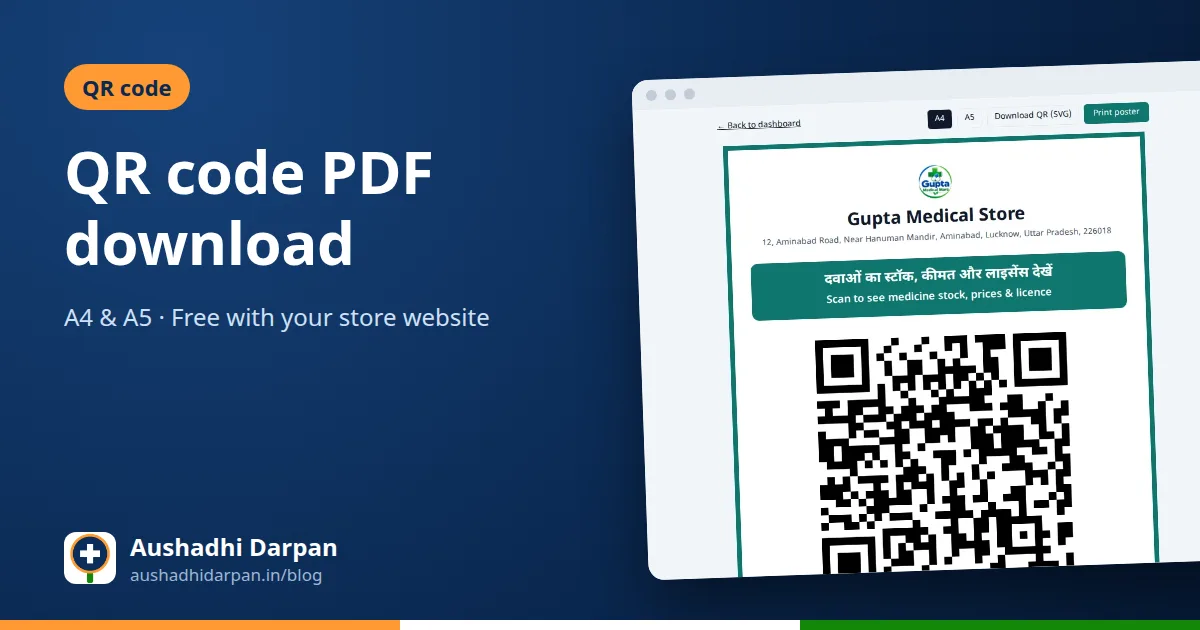
Looking for the Aushadhi Darpan QR code PDF? Every medical store registered on Aushadhi Darpan gets a ready-made QR code poster that opens its own website. You can save it as a PDF in A4 or A5 and print it anywhere, at no extra cost. This post shows exactly where to find it.
The QR code is made for your store's website. If your store is not registered yet, start with medical store registration (about 10 minutes), then come back here.
Download the QR code PDF in 4 steps
- Log in at aushadhidarpan.in/login with your e-mail and the one-time code (OTP).
- Open FSDA Compliance → QR Poster (or press Print QR poster on the dashboard).
- Choose the size, A4 or A5.
- Press Print poster. In the print window choose Save as PDF (Chrome: "Destination → Save as PDF") and press Save. Your PDF is ready to share or print at any shop.
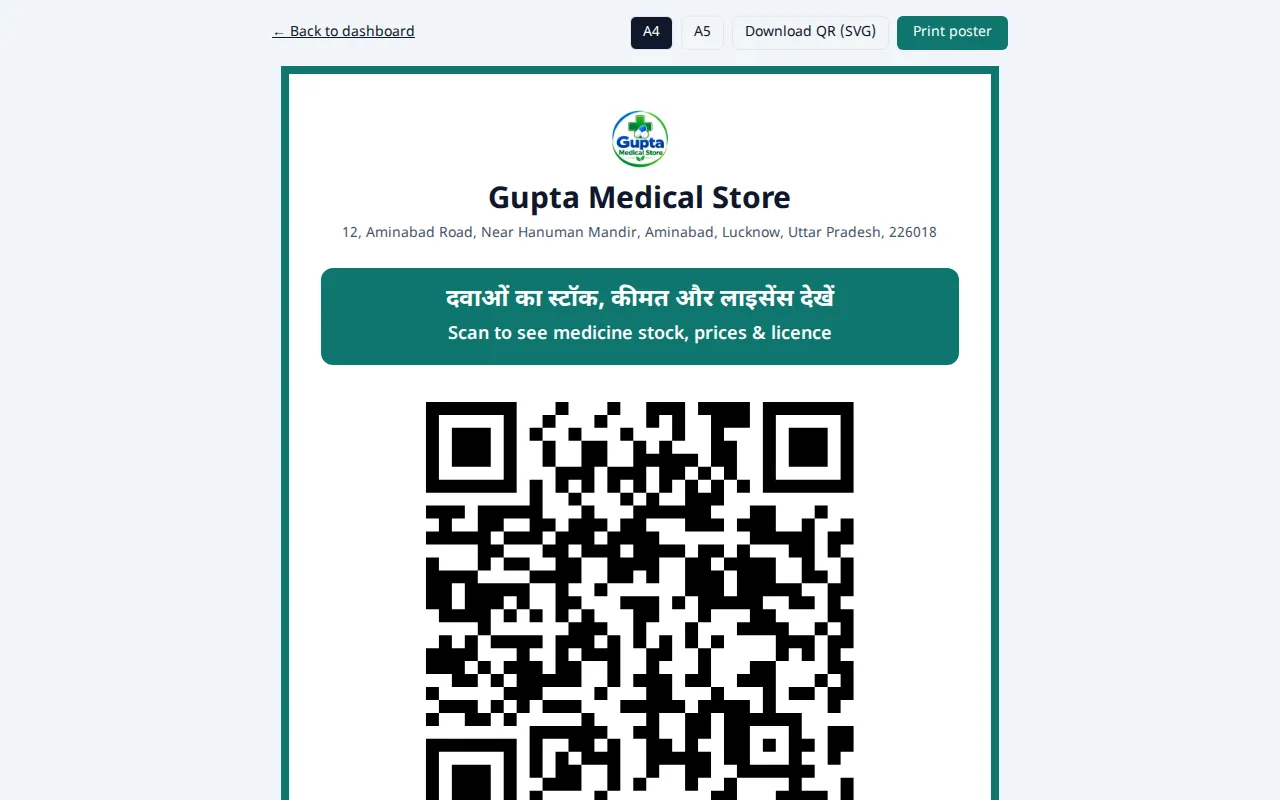
Only the QR code, without the poster?
Press Download QR (SVG) on the same screen. An SVG stays sharp at any size, so it is the best file for a flex board, a sticker, your bill or a visiting card.
What is on the poster
- Your logo, store name and address
- The QR code, which opens
yourstore.aushadhidarpan.in - A Hindi and English line: "Scan to see medicine stock, prices & licence"
- Your website address in words, for people who prefer to type it
Is it free?
Yes. The QR poster and the QR code are part of your store website; there is no separate charge for downloading or printing them, and you can print as many copies as you like.
Before you print: a quick check
- Scan it with two phones (Android and iPhone camera). It should open your website in a second or two.
- A5 is the smallest we recommend for a counter; use A4 for the door or a wall.
- Laminate it and keep it away from glass glare.
- Your website should show your licence, pharmacist and the latest weekly stock before customers scan it.
Where to put the poster and why it matters is in Medical store QR code.
Frequently asked questions
Where can I download the Aushadhi Darpan QR code PDF? Log in, open FSDA Compliance → QR Poster, choose A4 or A5, press Print poster and choose Save as PDF in the print window.
Is the QR code PDF download free? Yes. The QR poster comes with your store website on Aushadhi Darpan, with no separate charge, and you can print it as many times as you need.
Do I need a new QR code when my stock changes? No. The QR code always opens the same website address, and the website shows your latest stock. You need a new poster only if your website address or store name changes.
Can I download the QR code without logging in? No. Each QR code belongs to one store, so it is downloaded from that store's own login.